Asus CPX20 Instrukcja Użytkownika Strona 15
- Strona / 22
- Spis treści
- BOOKMARKI

- CPX20シリーズ 1
- ゼロクライアント 1
- ユ ー ザ ー ガ イド 1
- FCC(米国連邦通信委員会)規定の適合宣言 4
- カナダ通信省規制の適合宣言 4
- AC/DCアダプタモデルのみを使用してください: 5
- 留意点とお手入れについて 6
- 本書に記載された以外の情報を閲覧するには 7
- 1.1 ようこそ 8
- 1.2 本パッケージの内容 8
- 1.3 ゼロクライアントの 組み立て 9
- 第 1 章: 製品紹介 10
- 1.4 Zeroクライアントの 概 要 11
- 1.4.2 ボックス の 背 面 12
- 1.4.3 クライアントシステムの 利 用 13
- 1.4.4 クライアントインジケータの挙 動 13
- 2.1 Client設定 14
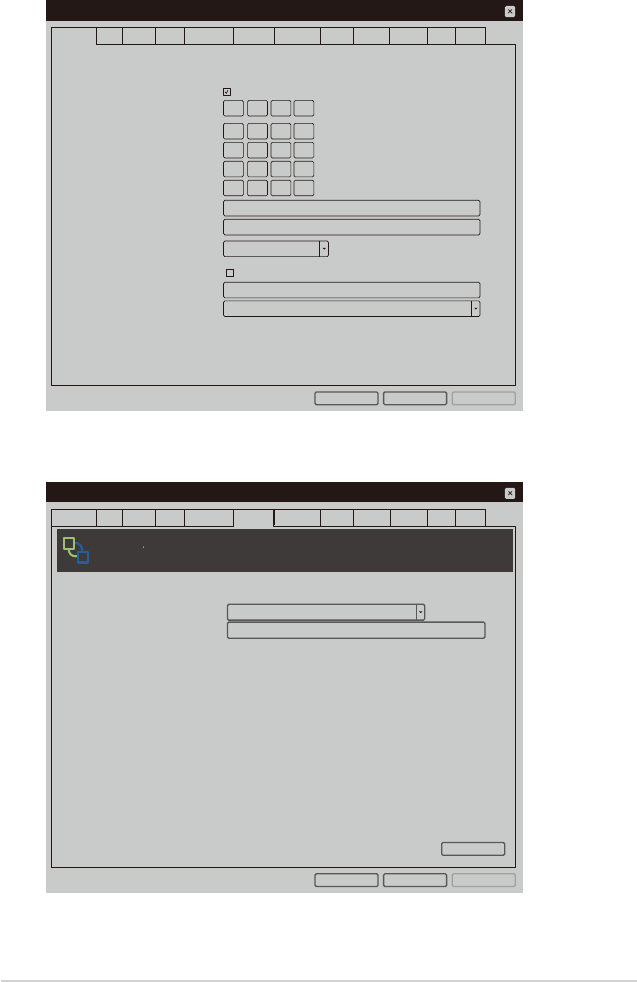
- DHCP」( DHCPを有効にする)を選択します。 15
- Configuration 16
- Diagnostics 16
- Information 16
- User Settings 16
- クリックしま す。 17
- をクリックしま す。 17
- 後、[Login](ログイン)をクリックします。 18
- 13. Clientインターフェイスに移動します。 18
- で、Clientを終了します。 19
- モデル CPX20 20
- 3.2 トラブ ル シュー ティング (FAQ) 21
- 3.3 対 応タイミング 一 覧 22
Powiązane produkty i podręczniki dla Nie Asus CPX20

 (116 strony)
(6 strony)
(116 strony)
(6 strony)

 (2 strony)
 (64 strony)
 (22 strony)
(90 strony)
(22 strony)
(90 strony)
 (50 strony)
(54 strony)
(104 strony)
(86 strony)
(110 strony)
(50 strony)
(54 strony)
(104 strony)
(86 strony)
(110 strony)
 (1 strony) (38 strony)
 (20 strony)
(28 strony)
(54 strony)
(54 strony)
(20 strony)
(28 strony)
(54 strony)
(54 strony)
© 2020, manymanuals.pl. Wszelkie prawa zastrzeżone. | 0.057 s |
 Manymanuals.com
 Manymanuals.de
 Manymanuals.fr
 Manymanuals.it
 Manymanuals.pl
 Manymanuals.cz
 Manymanuals.es
 Manymanuals-pt.com
Komentarze do niniejszej Instrukcji